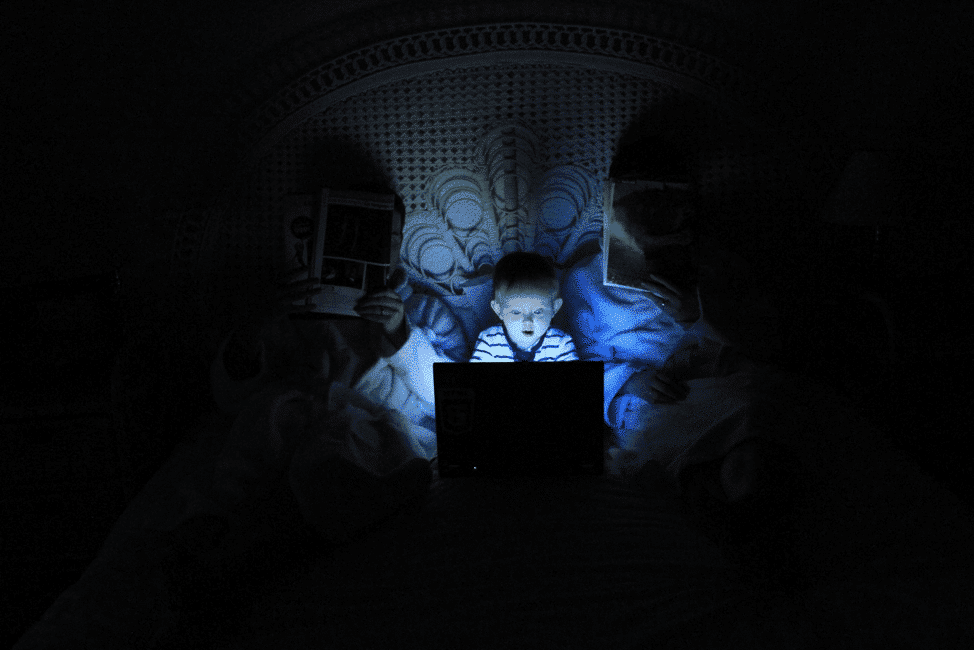
We were hunters and gatherers for 90% of human existence. That means our brains are still wired to prioritize the things that kept us alive when we were living on the land, before the domestication of animals and the construction of cities. One thing that kept us alive was living in a tribe and cooperating. Attracting a tribe and fitting in was a requirement of life. That is why kids and teens are hyper-focused on doing what their friends do and working to be cool and accepted. Online influencers count on this drive to maintain their income streams. One way to attract kids online is to be a kid doing what kids love to do, playing with toys and video games, opening new packages, and hanging out with friends acting goofy. Netflix’s Bad Influencer offers a glimpse of the kid influencer “scene,” and the lengths that some parents will go to attract and keep a following.
What is Bad Influence about?
The limited documentary series has gone viral for good reason. It’s definitely entertaining, but also deeply unsettling. It is a perfect way to raise awareness about how scary a life all about social media can be. Bad Influencer is a documentary that focuses on a tween who becomes an overnight social media star and brings her friends to stardom with her. What started out as a fun hobby quickly turned into a living nightmare. It may seem glamorous to be famous online, until you learn that the child influencers spent the majority of their childhoods working long hours acting out video ideas, risky stunts, and performing pranks that sometimes went too far—all under the pressure of adult producers/parents hungry for views. Check out Intimacy With Minors Encouraged at the Hype House for a similar story of underage exploitation.
SPOILER ALERT: The show takes a chilling turn when the mother of the main character is accused of, and videotaped, sexually exploiting these kids on set by positioning herself as one of the only adults supervising them to control them. Some survived the battle with only a few scars, while the main character is stuck living this nightmare over and over again. It may be funny, exaggerated, and attention-grabbing, but it also paints a dark picture of a digital world where clout matters more than character and children are left to pay the price.
Psychology Behind the Fame Obsession
From a psychological point of view, being an influencer is cool to children because they have a natural need for validation, attention, and social connection.[1] Although the minimum age on most social media platforms is 13, it is reported that children ranging from 8-17 are found scrolling through online platforms soaking up content too mature for their ages.[2] Sadly, unlike real-world relationships, social media platforms offer fast, unfiltered dopamine hits through likes, shares, and views. Without proper guidance, this can make kids tie their self-worth to online numbers, which can result in low self-esteem, fear of missing out (FOMO), performance anxiety, and digital addiction.[3] As a result of social unlimited social media usage, kids can also experience anxiety, depression, and even poor quality of sleep.[4] Counteract this monster and help your child build emotional resilience, red flag awareness, and digital literacy by taking our GKIS Social Media Readiness Training Course. Geared for teens or tweens, it’s the perfect giftbefore that new device or video game.
What You Can Do to Help
Bad Influencer is not just a show; it’s a cautionary tale that shares the pressures kids face online every day. It is easy to get off topic and want to pull the plug on all electronics just to protect your child from their dangers, but that is not always possible. Technology and online platforms are all around us, and it is better to set your child up for success than to try to keep them out of the loop. Connecting with your child over what they find interesting can help create a trusting relationship where you can notice if things start to become a little off. Our free Connected Family Screen Agreement can help you and your child co-create rules around how to safely navigate online platforms. This way your child can thrive in the digital age without losing themselves in it.
Thanks to CSUCI intern, Elaha Qudratulla for researching and co-writing this article.
I’m the mom psychologist who will help you GetKidsInternetSafe. Onward to More Awesome Parenting,
When children use online search engines, their search results can contain anything one can imagine – the good, the bad, and the ugly. Social media platforms like TikTok, YouTube, Instagram, Snapchat, Facebook, and Twitter pose a particular threat, offering potentially dangerous data-sharing and location information to cyberbullies and predators. In 2022, the California Age Appropriate Design Code Bill (AB 2273) passed. This bill aims to protect our children’s online activity by requiring platforms to make changes.[1] With online activity dangers and increasing rates of digital injuries, psychologist Dr. Tracy Bennett saw the need to educate tweens and teens about social media in a fun and engaging way. To help, she created the GKIS Social Media Readiness Course. She also created the GKIS Screen Safety Toolkit for parents to be able to filter, monitor, and manage their kid’s internet activity. Check them out for help with your family’s online safety. Today’s GKIS article discusses California’s newest online child privacy protections bill.
Recent Child Safety Bills
The California Age Appropriate Design Code Bill
The California Age Appropriate Design Code Bill was introduced by California State Assembly members Buffy Wicks and Jordan Cunningham and unanimously approved by a 33-0 vote in 2022.[1] It’s modeled after the United Kingdom’s age-appropriate design code. It is the first legislation in the United States to impose restrictions and data protection obligations on businesses providing services to users under the age of 18. It also includes requirements that online sites conduct a data protection impact assessment before new services are offered.[3]
The Kids Online Safety Act of 2022
The Kids Online Safety Act of 2022 (KOSA) is a kid’s online safety act that aims to empower both parents and children to have control over their online activity.[5] It would provide children and parents with the right tools and safeguards by requiring that social media platforms have protective options regarding algorithms, product features, and information.[5] KOSA would require social media platforms to have a duty to prevent harm to minors in its many forms.[5] The KOSA bill requires that non-profit organizations and academic researchers get access to data from social media platforms to conduct research regarding harm to the well-being and safety of minors.[5]
The Children and Teens Online Privacy Protection Act
The Children and Teens Online Privacy Protection Act (COPPA 2.0) is legislation that also aims to strengthen minors’ online protections.[6] It would amend the original 1998 act and strengthen the online collection and disclosure of information of children up to the age of 16.[6]
Enforcing The California Age Appropriate Design Code Bill
This act could have significant consequences when businesses must amend data management starting July 1, 2024.[3] Enforcement of this act will be taken seriously as violations can result in the California Attorney General seeking an injunction and a civil penalty of up to $2,500.00 per affected child per each negligent violation or $7,500.00 per child for each intentional violation.[3]
It applies to for-profit organizations that do business in California and meet one of the following three requirements
they must have annual gross revenue of over $25 million
they must buy, receive, sell, or share the personal information of over 50,000 consumers, devices, and households
they must derive 50% or more of annual revenues from selling consumers’ personal information.[4]
Who will be impacted?
California is the only state implementing the act currently. Thus, only children in California will be protected. This act is a big deal because businesses subject to it are prohibited from taking actions like using the personal information of a child in a way that is materially detrimental to their well-being, using dark patterns to lead or encourage children to provide personal information, or profiling children by default.[3]
This act will ensure the highest possible privacy settings by default for users under 18. It will also bar data collection on precise locations of children under 18.
The creation of rules will be subjected to future rounds of rulemaking, and the Attorney General may look for recommendations from the Children’s Data Protection Working Group on issues addressing rulemaking.[4] The act will establish the Children’s Data Protection Working Group tasked with developing recommendations and best practices to address critical uncertainties of the bill.[4]
Predators can easily prey on children with social media geo-location features. The code would require that companies make the safety and privacy of children a priority in the design of all digital services and products that children will have access to.[2] The code will restrict the detrimental profiling of kids and data collection, minimizing the risk of risky connections and harmful content.[2]
The bill will also require that children get the highest privacy settings by default. The use of nudge techniques that encourage kids to weaken privacy protections will be prohibited, and geolocation will be switched off.[2] It is no secret that children’s data is often used to create algorithms and features that harm children.[3] This code would stop this by making the companies stop using data that will prevent potentially harmful content from reaching your child.[3]
Helping Parents Better Protect Their Children
Children now more than ever face the most sophisticated online social media platforms and search engines. As the ever-evolving internet platforms have changed, psychologist Dr. Tracy Bennett has seen firsthand the devastating effects of digital injuries on children and their families. To help parents and families prevent digital injuries, we created several online courses like the GKIS Screen Safety Toolkit for parents of kids of all ages, the GKIS Connected Family Course for parents with children of elementary school age, and the GKIS Social Media Readiness Training for tweens, teens, and their parents. She also offers private personal Coaching and Workshops to parents who have more questions or looking for additional help tailored for their unique child.
Thanks to CSUCI intern, Janette Jimenez for researching California’s Newest Child Online Privacy Protections and authoring this article.
I’m the mom psychologist who will help you GetKidsInternetSafe.
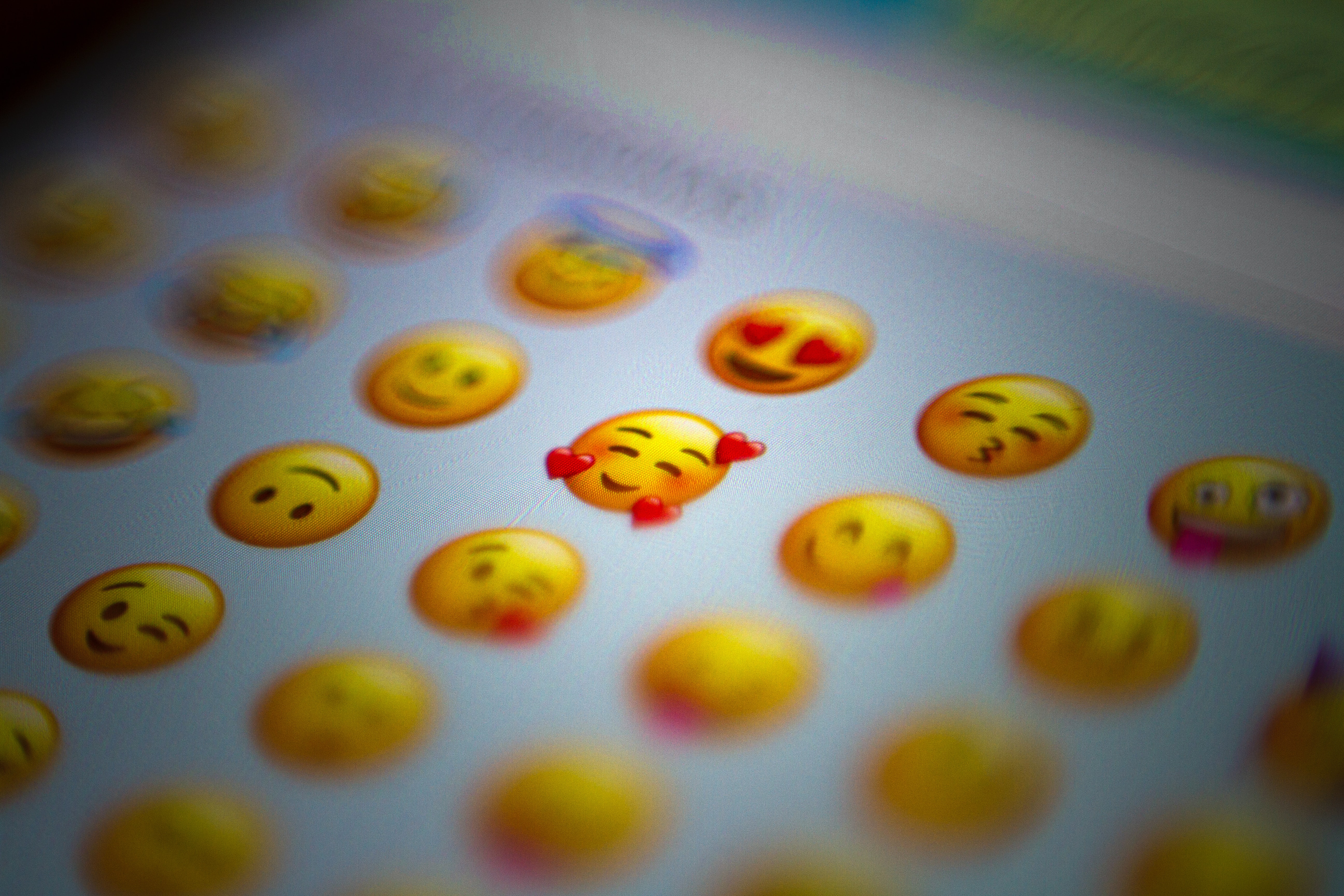
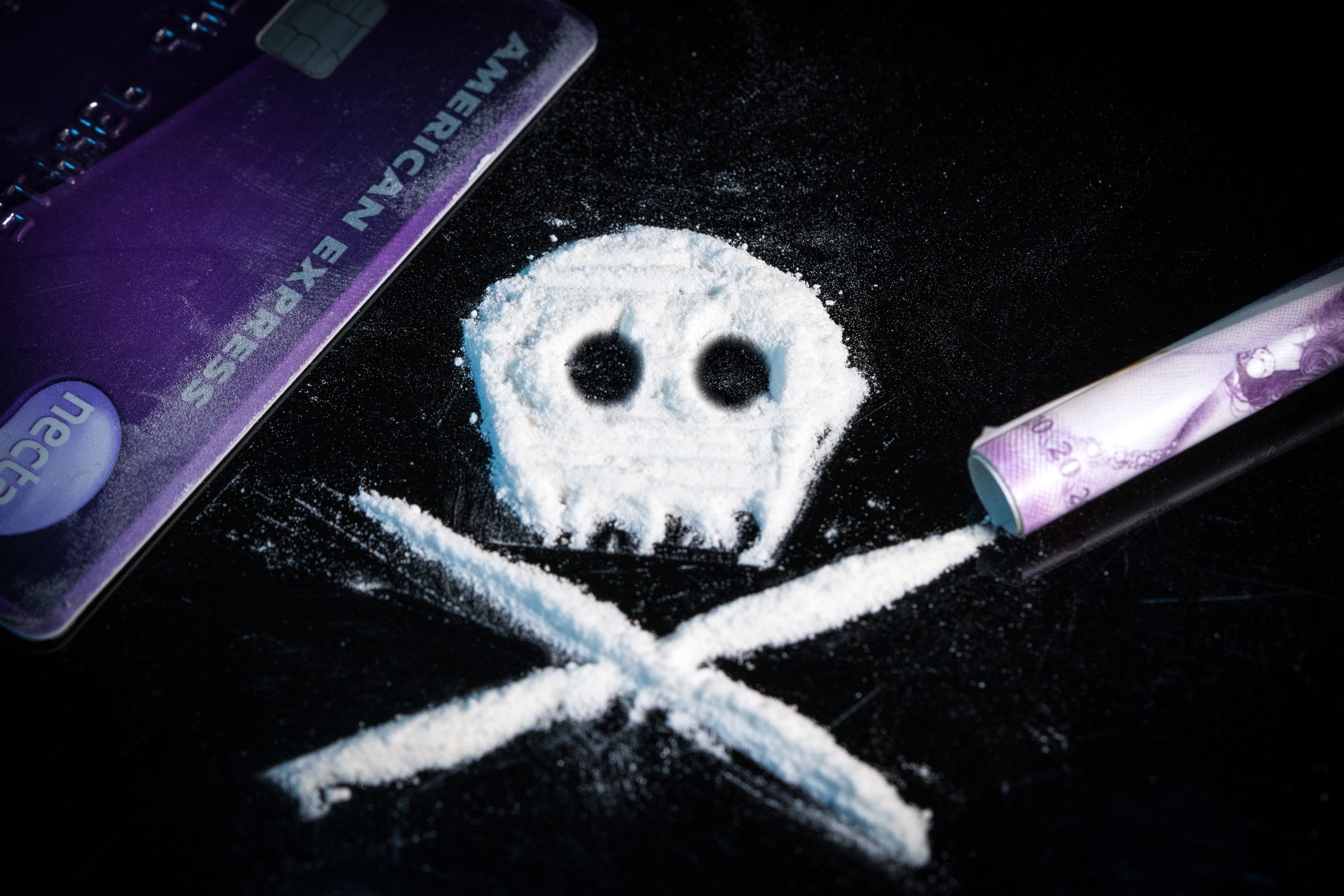
Imagine discovering that the “innocent” cartoon emoji pinging on your teen’s phone is not harmless fun, but instead a secret drug deal? To help you recognize dangerous dealings, I interviewed a recovering addict whose parents had no idea what he was up to until it was too late. With our Screen Safety Toolkit, you can get a head start with screen safety and prevention. The Screen Safety Toolkit is a resource guide that includes our best recommendations, how-to information, and easy links to our favorite easy-to-onboard parental control systems. Today’s GKIS article shares the true story of a young addict’s emoji workarounds, how to spot dangerous online dealings, and offers great tips to maintain your children’s safety when interacting online.
What are emojis?
Emojis are small digital icons that are readily available on screen devices. Emojis range from facial expressions to common objects, places, animals, and more. According to a report from the emotional marketing platform Emogi, about 92% of online users use emojis.[1,2]
The Pros and Cons of Emoji use
Pros
Emojis add fun and excitement to conversations and social media posts- help convey emotions in online chats. They are particularly helpful because of the lack of nonverbal cues online, such as body language or facial expressions. For example, testing “sure.” suggests annoyance, while “sure 😊” suggests happy agreement.[3]
Cons
Although emojis were originally intended to represent simple concepts, teenagers also use these symbols for encrypted messages about drugs and other illicit activities. Encrypted emoji messages enable life-threatening drugs to reach communities faster, easier, and cheaper.
At a glance, a conversation on your child’s phone may appear to be about being at the gas station but instead is about buying marijuana laced with fentanyl, a synthetic opioid that is 80-100 times stronger than morphine.[4,5,7,8]
How to Tell if Emojis are Indicative of Illicit Drug Use
According to the Drug Enforcement Agency (DEA), the use of emojis alone should not be indicative of illegal activity. Concerns should be raised if the use of emojis is simultaneously accompanied by changes in behavior or appearance or a significant loss or increase in income. The DEA has even published drug decoding sheets for the public’s awareness.[4,6]
A Young Addicts Story
To better understand the workarounds of encrypted messaging, I interviewed a recovering addict. He reported that when he first started his drug use, he would use specific social media platforms to help keep his drug addiction a secret from family and friends.
Here are the tips he revealed:
Snapchat
The DEA reports that Snapchat is the number one social media platform for online drug activity, and my contact confirms that he and his dealers used it too. He explained that Snapchat is an application where people can keep conversations hidden. Snapchat has specific settings that allow users to quickly view pictures, videos, or messages that will disappear after viewing.
Privacy settings on Snapchat also allow users to ensure that only specific people can view what they refer to as “stories.” The young addict remembers his drug dealers adding him as a friend on Snapchat. From there he would track emoji-coded advertisements on their “stories” that revealed which drugs were available for sale.[6]
Venmo
Venmo was another platform that was used by the young addict. Venmo is an application that allows money transfers between users. LendEDU revealed that nearly 1/3 of their survey participants admitted to using this app to pay for drugs.
My interviewee admitted that this was not initially the way he paid for his drug transactions. Instead, before gaining the trust of his drug dealers, they’d come to his home to drop off the drugs and receive payment in only cash after sending an emoji encrypted text that they were outside. His mother reports being very scared to find out that her son’s drug dealers knew where their family lived, which made her reluctant to report the drug dealer to law enforcement officials despite figuring out his identity.[9]
Encoded Texts
The mother I interviewed confirmed that encrypted text messages are a useful way to suppress adult suspicion. She explained that, if it were not for other indicative factors like his drastic weight loss, mood swings, and incomes loss she would have never expected phrases such as, “Do you have kitty cat?” to be an encrypted message referring to the drug ketamine. She remembers seeing other emoji codes and “cute names” for drugs, but not giving them much attention initially. She said she was overwhelmed trying to research on how to stop dangerous online conversations and seek the help he needed.
If you worry things are getting by you, let go of the guilt and let us do the research for you! Researching digital safety tools is overwhelming! But lucky for you, we’ve made it easy. Our GKIS Screen Safety Toolkit is a resource guide perfect for those that need smart tech tools for filtering, monitoring, and management plus some time to find workarounds.
Dr. Bennett recognizes that it’s no longer possible to live a screen-free lifestyle or monitor 100% of the time. And it can be terrifying to know that kids can become victims of online predators and drug dealers. Our family-tested and outcome-based course helps you close screen risk gaps and improve family cooperation and closeness. Check it out to minimize risks and have easier dialogues for better parent-child relationships.
Teen curiosity online can be dangerous and teens don’t always make sound decisions due to lack of experience and poor impulse control. Our GKIS Social Media Readiness Course allows teens an opportunity to start taking accountability for their actions online and become proactive instead of reactive.
The story of the young addict demonstrates how parents can easily miss indications of digital injury and serious problems. Teenagers are becoming more innovative on how to keep their parents in the dark, such as emoji encrypted messages. With our GKIS Online Safety Red Flags For Parents, parents will learn what behavioral red flags they should be on the lookout for that may signal that a child is suffering from a digital injury.
Thanks to CSUCI intern Ashley Salazar for researching and co-authoring this article. If you suspect your loved one is struggling with substance abuse, please reach out for help. Contact your health insurance carrier or call SAMHSA’s National helpline for more resources and advice.
I’m the mom psychologist who will help you GetKidsInternetSafe.
Who (or what) makes the content your kids watch on YouTube? In some cases, it’s hard-working creators who strive to make quality videos for entertainment or education. In other cases, it’s a computer program designed to efficiently produce videos for a lot of views and big profit. With this in mind, it is up to parents to ensure that their kids have a safe and fun experience while online. For helpful and empowering tools to establish a safe screen home environment, check out our Screen Safety Essentials Course. Today’s GKIS article tells you what you need to know to make YouTube viewing safer for your kids.
Bots!
Bots are computer programs designed by people or other bots to carry out specific online tasks. Not all bots are bad. However, they can run without any oversight from an actual human being.
One application for bots is creating YouTube videos for kids. More specifically, in this capacity bots combine video segments and post them over and over to test how many views they get. Once the tests are completed, the bot has created and run videos that ultimately make money for the programmer. Now that’s artificial intelligence!
Bot-Made Videos
Bot-made videos can look like a normal kid’s video, but they are typically a bit stranger. They often contain just enough story to string the randomly chosen segments together, but not enough story for everything happening to make logical sense. There are just enough familiar elements to hold a child’s attention but nothing educational or valuable to a child.
These videos distract kids long enough to get them to view ads and may even cause harm. After all, many times a human’s eyes have not viewed the video, and bots can’t discriminate a harmful video from a harmless one. At a glance, parents can’t discriminate either. Plus, most parents simply don’t take the time to preview thousands of videos their kids browse each day – especially from beginning to end.
Using Branded Characters to Bail Kids
One element that gets kids searching and watching are recognizable characters. Although branded characters are used without permission and are placed in a disjointed storyline for the video, kids will select them and stay entrapped expecting entertainment. For example, in her book Screen Time in the Mean Time, Dr. Bennett describes an alarming video portraying popular kid’s cartoon character, Peppa the Pig, screaming while being tortured in a dentist’s chair. The beginning of the video looks like a regular Peppa the Pig story. But near the middle of it, the story takes a confusing, terrible turn. Inappropriate video content make be shocking and even funny to older kids but vulnerable young children don’t have the insight or sophisticated skill set to look away. This can feel like a violent ambush and result in confusion, shame, and trauma.
Auto-play
Kids don’t always view these videos because they searched out the characters. Sometimes it is offered to them automatically in their feed. Auto-play is a YouTube feature where a new video is automatically
started after the one currently playing ends. Auto-play will select a video that is similar to the one you just watched based on tags that content creators mark their videos with when they post them. If auto-play is left on too long, it can lead a viewer down a rabbit hole of similar but stranger and stranger videos until they fall into bot-generated content.
The Algorithm
Unfortunately, bot-made videos and more can slip onto YouTube relatively easily. The huge volume of content uploaded to YouTube every day means that having a human being review every video uploaded to the site would be impossible. Instead, YouTube has another way to filter the content uploaded to its site, a bot of their own.
YouTube’s algorithm is, in essence, a much more advanced form of a bot that can scan through every video as it’s uploaded and automatically flag anything that violates YouTube’s terms of service, or at least that’s what it’s supposed to do. Unfortunately, YouTube’s algorithm can’t detect every inconsistency. It’s looking for the very specific things it was programmed to look for. Videos that don’t contain these specific violations slip by the filters. Many content creators have learned what exactly the algorithm is looking for, and some of them use it to slip inappropriate content past the sensors.
YouTube’s algorithm is also responsible for other features on the site including auto-play. The algorithm is what decides what’s worth showing next after a video, and what isn’t. However, the algorithm is only capable of discerning what videos are similar to others based on the tags assigned to a video. If a bot learns to place all the relevant tags for child content on an automatically generated video, then the algorithm will suggest it as if it were normal child content.
What can you do about bot content?
There are a few things that you as a parent can do to protect your children from bot-generated content:
Check in on your kids when they’re watching YouTube
So you can be sure the algorithm hasn’t drifted too far away from where it started.
Get Help
Monitoring everything your child watches can be a daunting task GKIS is here to help. Our Social Media Readiness Course is designed to teach your tweens or teens how to spot red flags on social media sites and when they’re gaming.
Turn off auto-play
The auto-play feature can be disabled by clicking the auto-play button at the bottom of YouTube videos. The button appears as a small black and white play button and is replaced by a black and white pause button while disabled. By turning off this feature, YouTube will no longer pick the next video your child watches next and instead will wait for you to manually choose the next video.
Limit your child’s time on YouTube
The bot-generated content of YouTube is at the bottom of the algorithm’s list of choices. Children often end up being presented with bot-generated content after spending too much time watching videos on YouTube. Our Connected Family Course has screen management strategies and safe-screen home setup ideas to help you manage your child’s screen time.
If you do catch your kids being exposed to an inappropriate video, report it.
Videos reported to YouTube as inappropriate are reviewed by real people who can catch the video for what it is. An offending video will be deleted permanently and can get the channel it comes from deleted entirely.
Thanks to CSUCI intern, Jason T. Stewart for researching bot-generated content and co-authoring this article.
I’m the mom psychologist who will help you GetKidsInternetSafe.
In 2019, YouTube was fined 170 million dollars for illegally advertising to kids. In this article, we’ll cover how YouTube broke the law designed to offer protection for children online, what they did to fix it, and the gap that still puts kids at risk.
To help protect your kids from inappropriate content on the internet, check out our Screen Safety Essential Course. This program offers access to weekly parent and family-oriented coaching videos that will help you to create safer screen home environments and foster open communication all while connecting and having fun as a family. Dr. Bennett’s coaching helps parents make more informed decisions about internet safety and educates families so they can use good judgment when encountering risks online.
What is COPPA?
The Children’s Online Privacy Protection Act (COPPA) requires websites to get parent’s permission before collecting identifying data (like a kid’s name or address) or the cookies from the computer the child is using for children 13 and under. Cookies is a term for a type of data packet sent from a website to a computer and the computer returns the packet to the website. These data packets are a way for websites to track a user and record their actions on the site. Any company caught violating COPPA may be fined up to a maximum of $42,530 per violation.
COPPA applies to any website that is aimed at children or has an audience that can include children such as:
PBS Kids
Sesame Street
Nickelodeon
Cartoon Network
How did YouTube break the law?
In 2015 YouTube created a secondary website and app called YouTube Kids dedicated to content for children ages 12 and under. YouTube makes the bulk of their revenue by selling ads and gathering customer data. Customer data is valuable to marketers because it helps them better target advertisements. YouTube Kids gathered child customer data using cookies without parent permission. This was a violation of COPPA. As a result, YouTube received a fine of 170 million dollars.
YouTube marketed itself to advertisers on its popularity with children and made millions of dollars on the subsequent revenue. This led to a surge in kid-oriented content creators who made quick and easy-to-produce videos to capitalize on the profitability of these new advertisers. For example, toy unboxing videos became popular because it was an easy to produce video that generated a lot of views. These content creators are also violators of COPPA because they capitalized on YouTube’s violation for profit.
What has YouTube changed?
The good news is that YouTube no longer collects your children’s personal identifiers and will not allow advertisements that attempt to collect them either. YouTube along with the FTC have also cracked down on content creators who intentionally abused the ad revenue system by mass producing content while YouTube was still collecting kid’s data. Those channels were reported by YouTube, reviewed by the FTC, and channels found guilty were then fined for their own COPPA violation.
YouTube also has guidelines to limit what can be advertised to children. For example, YouTube does not allow advertising of any kind of food or beverage to children. YouTube has also added content filters that are meant to catch content that is oriented at kids and ensure that any advertisement that can collect your data can’t show up on those videos.
But kids are still viewing inappropriate content
The bad news is that the YouTube advertisement system isn’t perfect. YouTube may not be able to target advertisements at your child specifically anymore, but they can still target advertisements at children using videos marked as for children on their main site, or using their secondary site YouTube Kids. YouTube has extra guidelines for kid-oriented advertisements. However, YouTube does not regulate video content in the same way they regulate advertisements. For example, YouTube won’t allow a thirty second ad about Kool-Aid on their platform if it’s aimed at kids, but Kool-Aid can make a channel and post videos that are essentially an advertisement dressed up like an entertaining video for children. If you’d like to learn more about how advertising affects your children, GKIS already has an article detailing just that linked here.
What does this mean for your child on YouTube?
YouTube has put better practices into place after the COPPA fine. That doesn’t mean that their business model is any different. YouTube is still a website that makes the majority of its money off of advertisements. The website may not be collecting your child’s data but their attention is still a commodity being sold. Content on YouTube can be fun and even educational for children, but you have to be careful of what content your kids are watching.
What can you do to protect your kids on YouTube?
Check what your kids are watching
If you check in on what your child is watching every few videos then you can be sure that they haven’t slipped into watching advertisements dressed up as videos.
Familiarize yourself with your child’s favorite creators
Check a couple of their videos and make sure their content is something you want your child to watch. It will also allow you to be sure this content creator isn’t advertising anything to your children in their videos.
GKIS how to spot marketing supplement
Here at GKIS our how to spot marketing supplement will help teach your kids about the strategies marketers use, and will help them identify when a video is really an advertisement in disguise.
GKIS social media readiness course
Bennett’s social media readiness course helps to teach your kids how to be safe online and recognize the risks on social media sites and found in gaming.
Thanks to CSUCI intern, Jason T. Stewart for researching YouTube’s COPPA fine and co-authoring this article.
I’m the mom psychologist who will help you GetKidsInternetSafe.
Were you the kid with a mohawk in the 70s or pegged pants in the 80s? Maybe you were goth, a skater, or straight-edge. Teens of every era love to experiment with creative expression and explore new philosophical ideas. The internet offers boundless opportunities to follow cool influencers andchat with like-minded others in online forums. Visiting random virtual neighborhoods can be mind-expanding and fun, but it can also be dangerous. Today’s GKIS article explores the world of online counterculture. Being in-the-know is a critical element to great parenting in the digital age.
New Age Counterculture
As adolescents begin to form their unique adult identity, they look to their peer community for ideas for current, creative interests, how they want to come across, and what they want to look like. Especially attractive to teens is anything that their parents ARE NOT. Trends that are new, fresh, and totally different from parents or social norms are aptly named counterculture.[1]
The concept of countercultures isn’t new. From the anarchists in ancient Greece to the punks of the 1970s, countercultures have always influenced trends and fashion. Because kids today form multiple identities in their real world and in various virtual worlds, they love to explore constantly-evolving countercultures.
Fun Curated Online Platforms
These days, online influencers define counterculture for kids and teens. Sometimes that results in harmless fun. Other times, influencers post sexualized and edgy content designed to shock and titillate, engaging their audience in active discussions and
sharing.
To help you become familiar with counterculture online content, we’ve selected some content creators for you to check out and explore. Please keep in mind that because we don’t monitor these sites, we can’t vouch for their choices or the choices of their followers. Only you can best decide what makes sense for your family.
Kathryn Loo, Youtube username@hellobatty, posts videos about crafts, outfits, vlogs, and more. Her gothic Lolita style and love for all things Halloween inspires her viewers to embrace their interests and gives viewers ideas on how to get creative in her own spooky aesthetic.
Alex Weaver, Instagram username@thegothicalice, posts artwork, fashion, and for-sale creations in her goth/punk style. She frequently posts about books she’s interested in, artistic projects she’s working on, and creative outfits she puts together.
Aurel Nelson, Instagram username @phonyghost,is a skilled costume creator who makes amazing images of her cosplays (meaning dressing up and portraying a specific character). Some of her costumes include superheroes. She frequently collaborates with other costume makers to make a spin-off of our favorite Disney princesses as punk rock girls.
Tae-Seon Hall, Tik Tok username@tae.seonrise,posts videos on funny reactions to how her style is perceived by the public, videos of her cat, and quick makeup looks.
Mary Rose, Blog @TheEveryday Goth, creates fun posts relating to counterculture events, fun reads, fashion posts, and references to goth classics such as The Addams Family. She also links goth themed stores and songs she loves.
Pros to Trendy Counterculture Sites
Opportunities to meet and interact with like-minded fans
Exposure to creative ideas and unique ideas that may not be reflected in your community
Encourage your child to develop independent thinking
Help to build self-confidence
Their participation reflects that your child knows your home is a safe place for expression and communication
Cons to Trendy Counterculture Sites
Unregulated, unmonitored messaging boards
Exposure to inappropriate content like sexuality, vulgarity, and cyberbullying
Exposure to hate groups, radicalization, fake news, and conspiracy theories
Conversations of that may encourage serious mental health-related behaviors like depression, anxiety, eating disorders, self-harm, and suicide
Pop up ads and marketing
Tips to Navigating Counterculture Sites
Dr. B offers the following tips to protect your child from inappropriate counterculture sites
Tell your child you’ll be monitoring their online activity and explain why you think that is important.
Have an ongoing, fun, cooperative dialogue to stay current with their interests, challenge their ideas, and teach family values.
Monitor sites your child is interested in by creating a bookmark and following the creators. Be alert for subtle messaging and links to other sites and music.
Insist on having your child’s login credentials to their devices
Review browser searches
Do not save your credit card information on sites you share with your child.
GKIS Parenting & Safety Tools
If you feel overwhelmed when it comes to keeping your kids safe online, we got you covered. Our GKISScreen Safety Toolkit offers tried-and-true tech tools to help with filtering, monitoring, and managing your child’s screen activities. We also share links to apps and social media safety guides for platforms popularly used by influencers. This parenting step is what Dr. B calls protectionism in her bookScreen Time in the Mean Time, an important part of parenting in the digital age.
If you’d love a more comprehensive parenting course to help understand not only how to manage your child’s media, but how to optimize creativity and learning potential, check out our GKIS Connected Family Course. Dr. Tracy Bennett, can even personally guide you through this process during a personalizedworkshop orin-person coaching. Our GKIS CEO is passionate about assisting families with these confusing moments and is available to you at a click of a button. Coaching is an efficient, cost-efficient alternative to in-person psychotherapy. Prevention is always better than treatment.
The Overall Verdict?
The GKIS mission is to help families achieve screen sanity, prevent digital injury, and form deeper, more meaningful relationships. That includes joining them where they’re at in experimenting with identity formation. Just like punk in the 1970s and new wave in the 1980s, online counterculture helps today’s kids discover all that this crazy world has to offer.
Special thanks to Aroni Garcia for researching and co-writing this article. If you want to learn more about the mentioned social media platforms of the GKIS approved counterculture influencers, check out the GKIS parents sensible guides to Instagram and Tik Tok.
[1] CrashCourse. (2017). Cultures, Subcultures, and Countercultures: Crash Course Sociology #11. Retrieved from https://www.youtube.com/watch?v=RV50AV7-Iwc&feature=emb_title
[2]Daschuk, M. (2010). Messageboard Confessional: Online Discourse and the Production of the “Emo Kid”. Berkeley Journal of Sociology,54, 84-107. Retrieved February 6, 2020, from www.jstor.org/stable/40999937
[3] Hawkes, N. (2015). Young goths may be more vulnerable to depression and self-harm, study finds. BMJ: British Medical Journal,351. Retrieved January 31, 2020, from www.jstor.org/stable/26521636